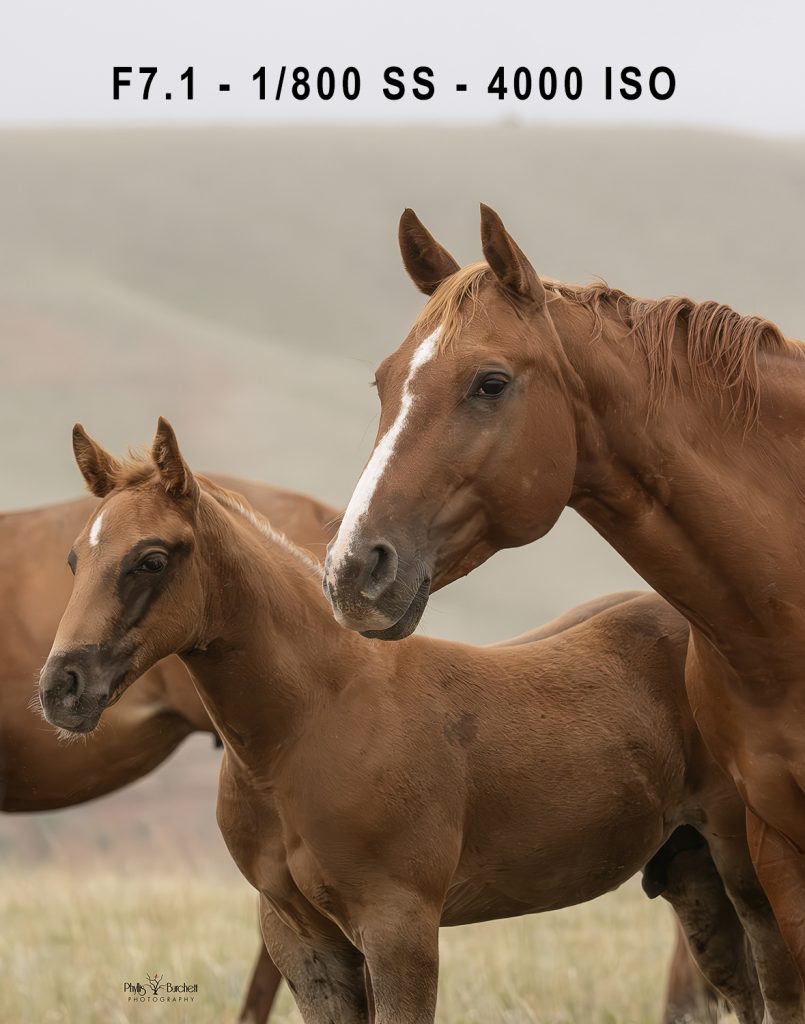
Feb 24, 2026 | 2026, Action, camera, Creative Process, Editing, equine, equine photography, horse photography, horses, horses at liberty, image making magic, Noise, Photography, Photoshop, Post Production, Teaching, Tutorial, workflow
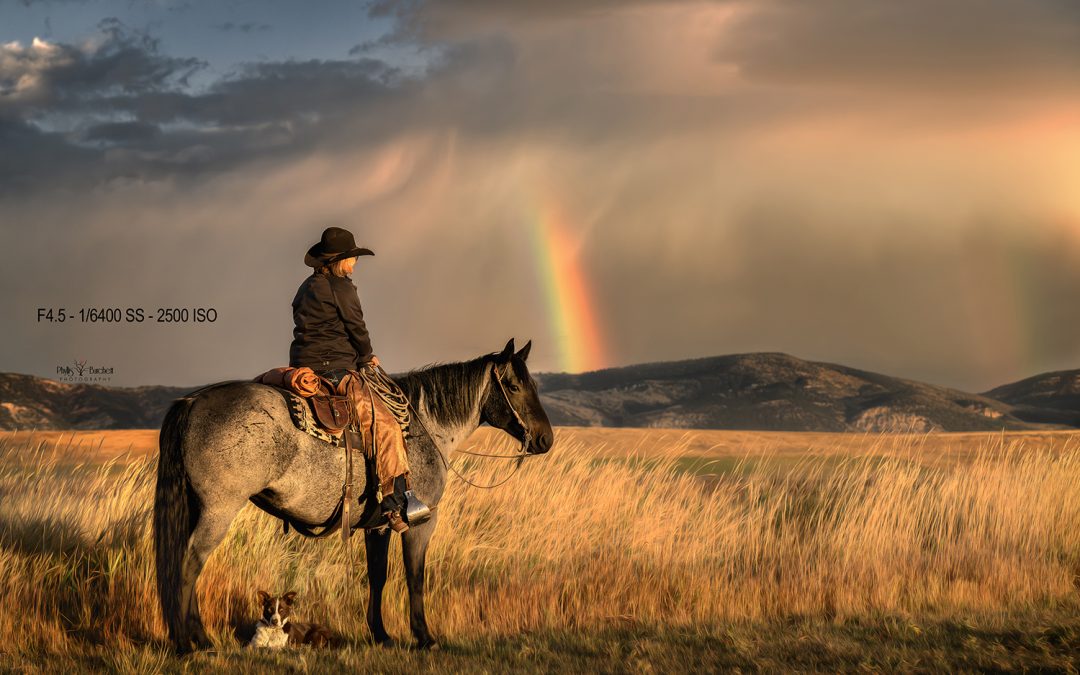
How to avoid noise in your images, without destroying the details.
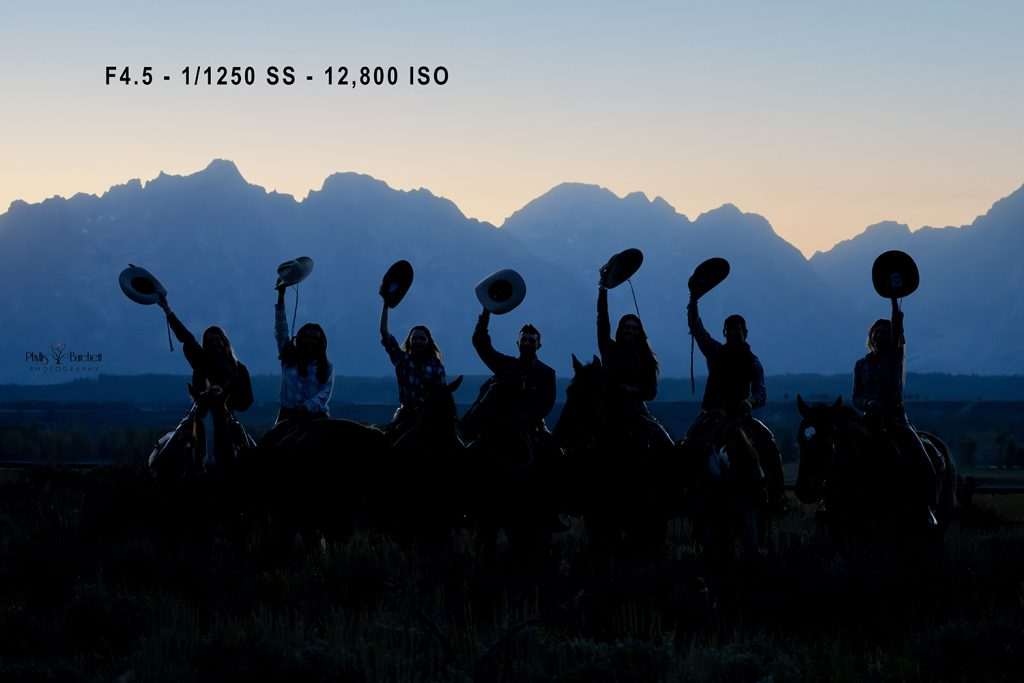
Let’s talk about noise. Not the kind your kids or animals make, the kind that shows up in your photos and makes you zoom in and go, “Ugh.”
Noise is one of the most common frustrations in photography, especially when you’re shooting in low light, at sunrise or sunset, or indoors. But here’s the simple truth: most noise problems don’t come from your camera. They come from how you expose and how you edit.
Let’s break down what not to do and what to do instead.
First: Understand What Causes Noise
Noise is most visible in the darker areas of your image. Why? Noise is caused by insufficient light. When you underexpose a photo and then raise the shadows later, you’re essentially brightening under-lit pixels, and that’s when noise becomes obvious.
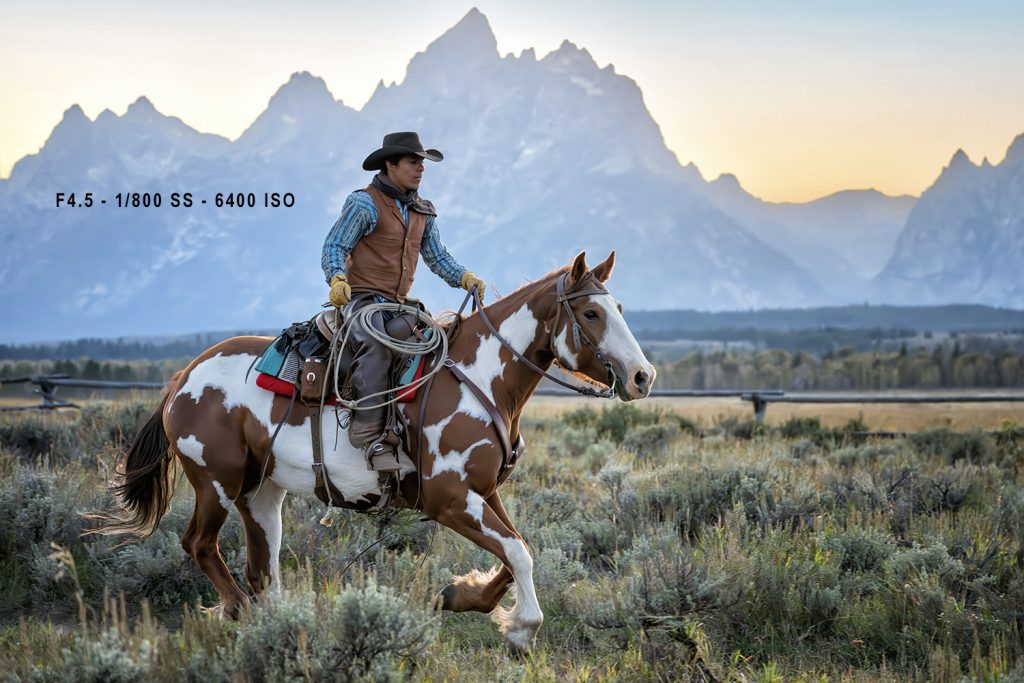
The best way to deal with noise?
Expose in-camera properly. It’s far better to capture enough light in your shadows from the beginning than to underexpose and try to “fix it” later.
Here are some common processing habits that actually amplify noise:
-
Going Heavy on the Clarity Slider. Increasing clarity increases midtone contrast, which also increases noise. When used aggressively, it can make grain in shadow areas much more pronounced.
-
Over-sharpening. Sharpening increases edge contrast. Noise lives in tiny pixel-level variations, so when you over-sharpen, you’re sharpening the noise too.
-
Over-Cropping. The more you crop, the more you magnify imperfections. Cropping reduces resolution, which makes noise more visible.
-
Raising Shadows Too Much. Aggressively lifting shadows is one of the fastest ways to introduce noise. Again, this goes back to proper exposure at capture.
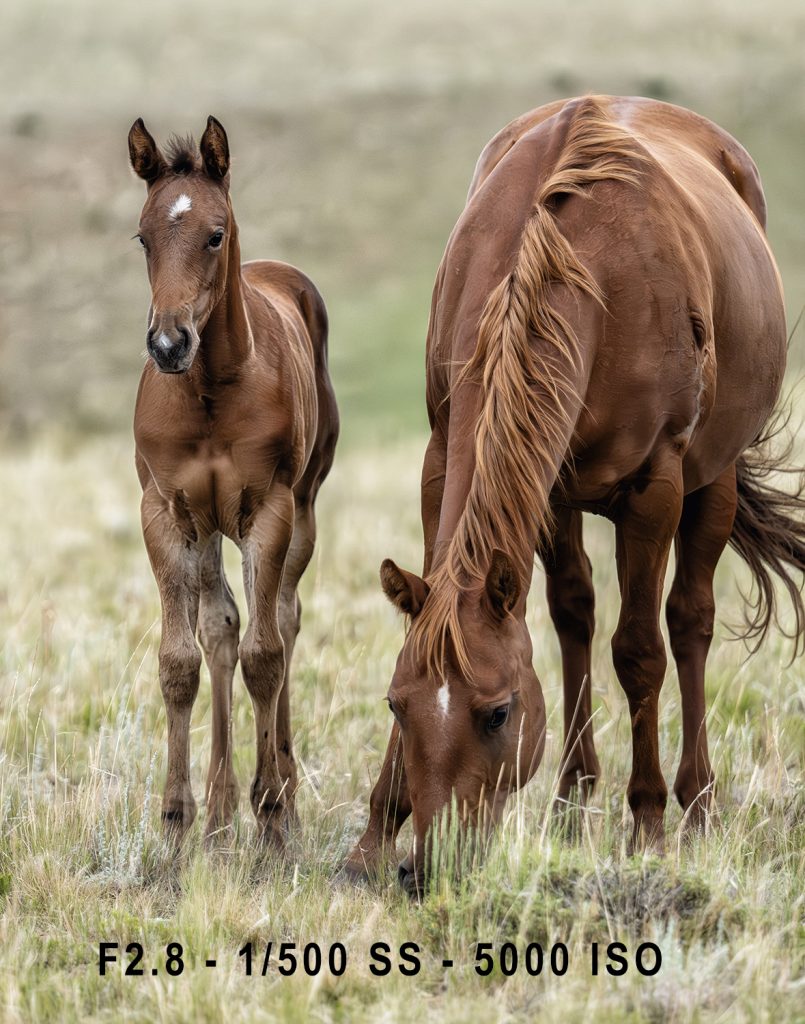
Use Noise Reduction the Right Way. It’s tempting to crank up the noise-reduction slider but using it globally across the entire image is a mistake. Selective Noise Reduction is key: instead of applying noise reduction globally, denoise only where needed using masking tools.
AI-based tools (like Adobe Camera Raw and Lightroom’s AI Denoise) can be powerful. However, keep in mind that some photo contests may flag images processed with AI-based software. Always check contest rules before using AI-driven tools if submission is your goal.
Or maybe don’t overmanage it. Here’s something we don’t talk about enough: Sometimes the best way to deal with noise… is not to obsess over it.
A little grain can add mood, texture, and authenticity. Not every image needs to be clinically clean. If the noise isn’t distracting and the image’s story is strong, leave it as is.
Sometimes embracing it creates something even more powerful.
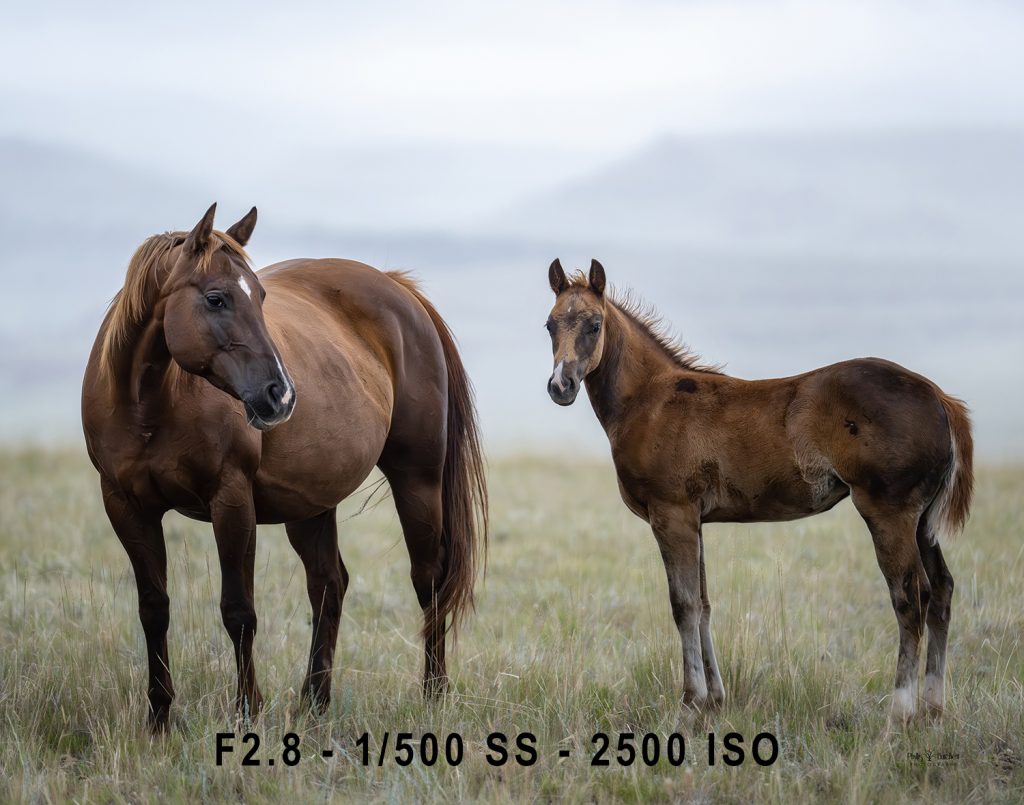
Final Thoughts
Avoiding noise isn’t about extreme editing. It’s about:
Proper exposure in-camera
Intentional sharpening
Selective noise reduction
Restraint in post-processing
When you handle it thoughtfully, you preserve what matters most: details, emotion, and the integrity of the image. And sometimes? You let the noise stay… and make it part of the story.