Keeping your files safe while traveling isn’t about one solution; it’s about layers of protection and as a traveling photographer, I want redundancy, separation, and simplicity so I’ll actually stick with it.
Here’s the standard setup that I, along with many other photographers, utilize.
-
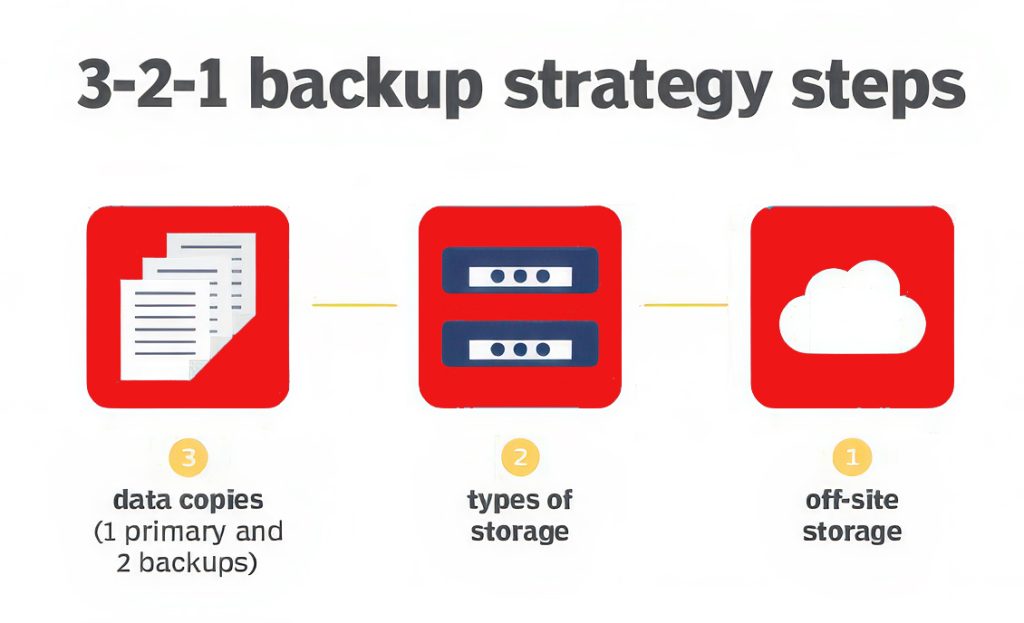
Follow the “3-2-1 Rule”
-
3 copies of your images
-
2 different types of storage
-
1 copy off-site (or in the cloud)
If something fails, you’re covered.
-
Daily backup routine (don’t skip this)
Of course, you can use Lightroom or Bridge but my choice for downloading images to hard drives is Photo Mechanic. I have an Import Preset set up that automatically adds my copyright information during import.
I organize folders by: Year → Country → Specific Location → Day → File Name
Example: 2026 → Iceland → Skálakot Farm → 06152026 → PBurchett_06152026_0001
At the end of each day:
-
Copy cards → Primary external SSD
-
Copy that → Second backup drive
Important: Don’t format your cards until you have at least 2 verified copies.
-
Use rugged, reliable drives

-
Shock resistance
-
SSD over HDD (faster + more durable)
Common go-to options that are small, fast, and easy to travel with:
-
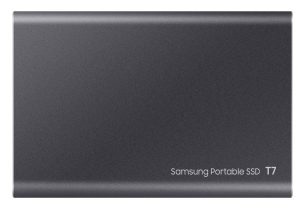
SanDisk Extreme Portable SSD
-
Samsung T7 Shield
-
Keep your backups physically separated
-
Keep one drive in your camera bag
-
Keep the other in your suitcase, vehicle or hotel safe
If your bag gets stolen, you don’t lose everything.
-
Add cloud backup when possible
Even partial uploads help:
-
Use Dropbox, Google Drive, or Backblaze
-
Upload only selects if the internet is slow
-
After copying, verify your files
-
Open a few images
-
Make sure files aren’t corrupted
-
I also quickly review the day’s photos to learn from them.
Sometimes I notice:
– a composition that could be stronger
– better light at another time of day
– something technical I need to adjust the next day, or something I missed
-
I also add location details, descriptions, and notes while everything is still fresh in my mind. This is especially important if you license images, submit to publications, or work with stock agencies.
-
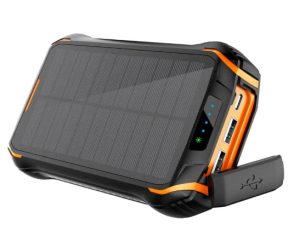
Power protection matters

-
-
Consider a small surge protector when abroad
-
Don’t edit off your only copy
Always:
-
Edit from your working SSD
-
Keep your backup untouched
-
My own personal travel workflow
At the end of a shoot day:
-
Cards → SSD #1 (working drive)
-
SSD #1 → SSD #2 (backup)
-
Keep drives in different places
-
Optional: upload best shots to the cloud
-
I personally do not format memory cards on the road. Once I’m back home, those images are transferred to my primary external hard drive, which has a scheduled onsite backup, and to Backblaze. Yes, this does mean I have a lot of big memory cards!
Traveling teaches us quickly that things can go wrong. Lost luggage, bad weather, failed hard drives. A solid backup routine means your images don’t end up on that list. Your future self will thank you for every organized folder, every backup drive, and every extra five minutes spent protecting the work you can never shoot twice!